Setting up a home office to maximize productivity involves selecting the right space, organizing effectively, choosing the right furniture, and ensuring good lighting. By creating a dedicated workspace, you can balance work and home life better and enhance your efficiency.
TL;DR
Identify a low-traffic, quiet area for your home office.
Use space-saving furniture and maximize vertical space.
Keep your workspace organized and clutter-free.
Invest in a comfortable chair, a suitable desk, and proper lighting.
Step-by-Step Detailed Guide
1. Identify a Workspace
Find a low-traffic, quiet area in your house or apartment for your home office.
Consider empty corners, spare closets, or even a section of your kitchen table.
2. Create a Multi-purpose Home Office
If a separate office space is not possible, designate a section of your living area for work.
Use furniture that can serve multiple purposes, like a thin desk behind a couch or in a wide hallway.
3. Use a Space-saving Desk
Opt for fold-out desks or floating desks to save floor space.
Choose a desk style based on the amount of room you have.
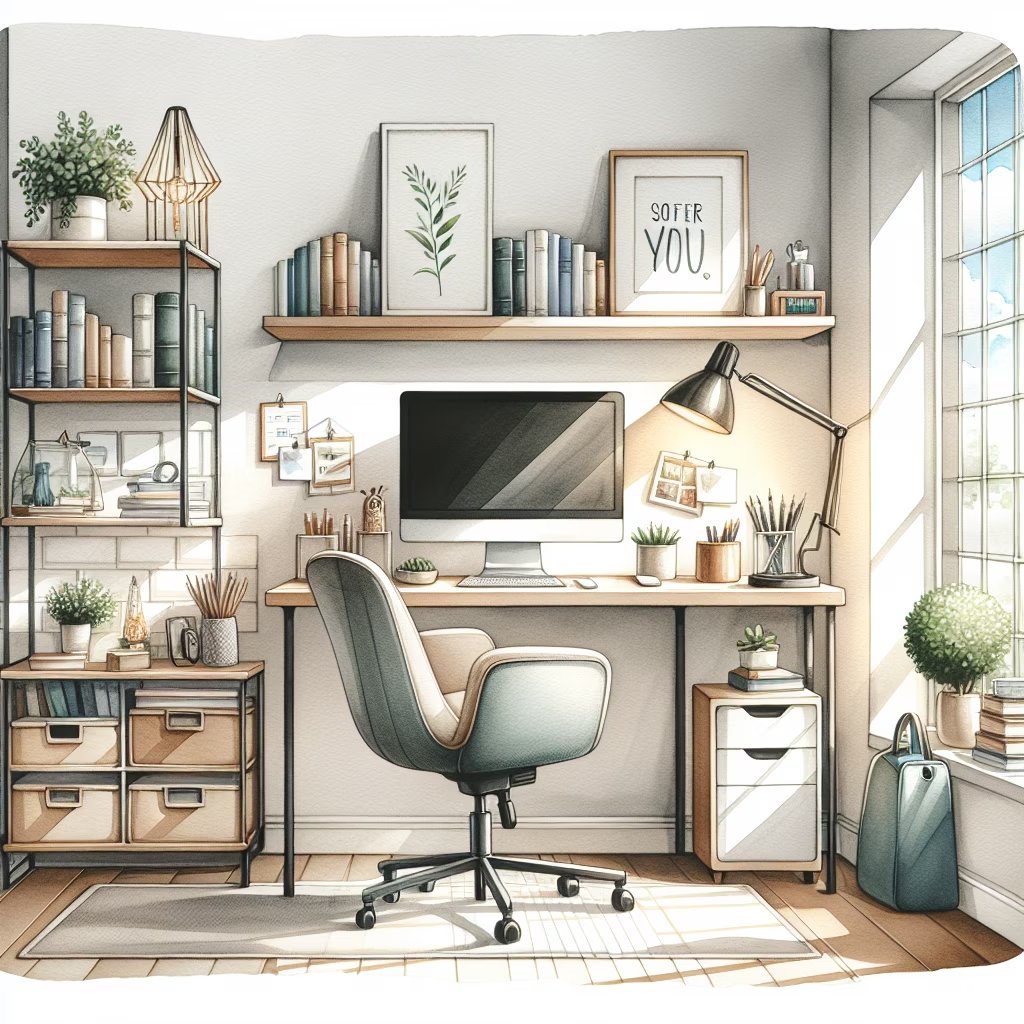
4. Maximize Your Vertical Space
Install shelving units on the walls for additional storage.
Use floating shelves to display books or houseplants, freeing up floor space.
5. Get Organized
Keep your workspace clutter-free to make it feel larger and more organized.
Use desks with built-in storage or hang pegboards and wall organizers.
6. Invest in Essential Furniture and Equipment
Desk: Choose based on your space and needs. Consider a standing desk if you prefer to stand and stretch.
Chair: Get a comfortable chair that fits under your desk and supports your posture.
Lighting: Ensure your workspace is well-lit with a desk lamp or floor lamp.
Computer/Monitor: Use a monitor to avoid straining your neck and ensure the top of the screen is at eye level.
 HowToDoX